
Blog
Best IPTV Players for Windows PC 2026: The Ultimate Guide

If you’re looking to watch IPTV on your Windows PC or laptop, you’re in luck — there are several excellent IPTV players available that turn your computer into a full home entertainment hub. Here’s our definitive 2026 guide.
Why Watch IPTV on Windows?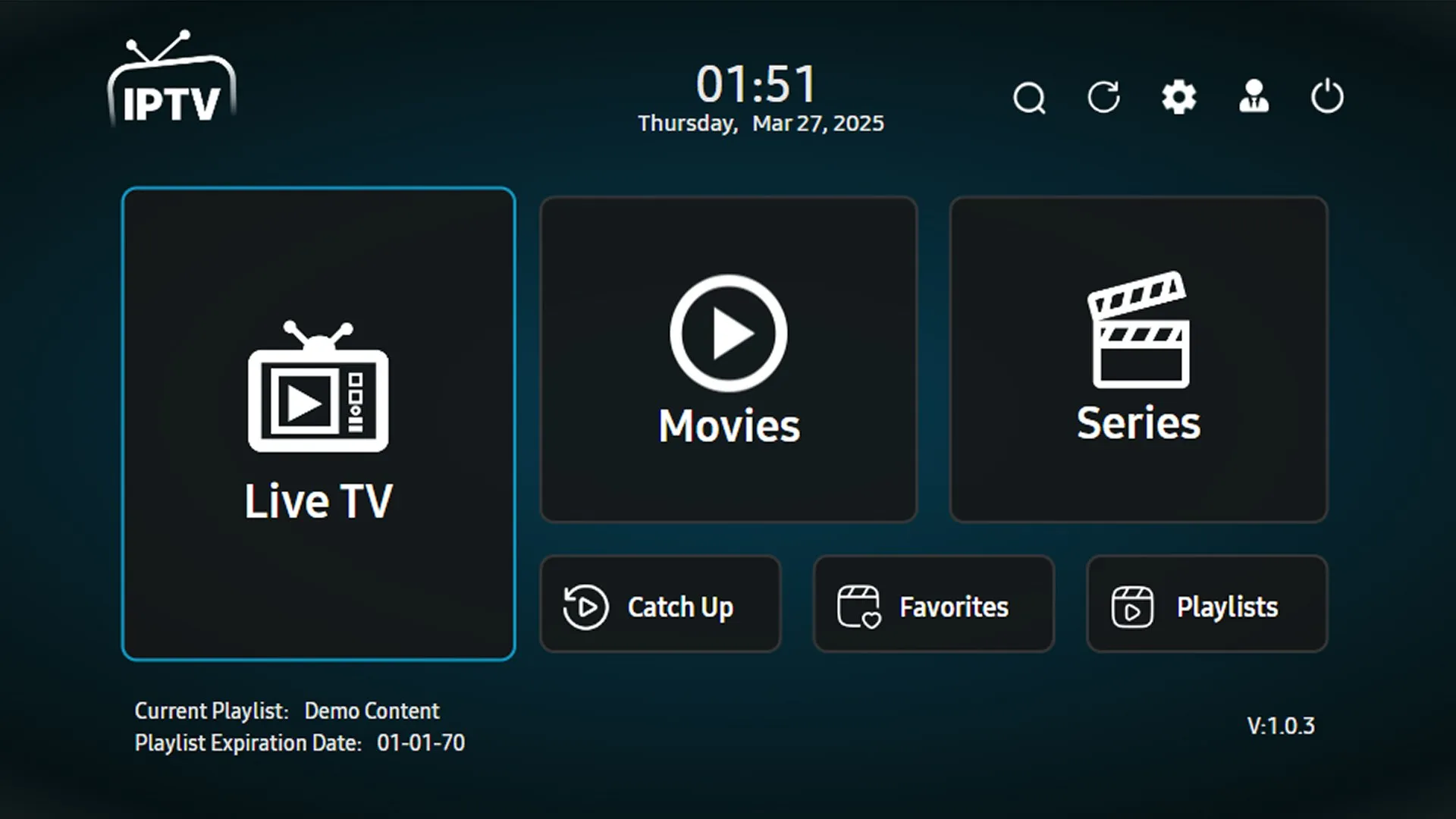
Windows PCs offer a large screen, powerful hardware, and the flexibility to run virtually any IPTV application. Whether you’re at a desktop or using a laptop, Windows gives you the ultimate control over your viewing experience.
Top 5 IPTV Players for Windows in 2026
1. VLC Media Player
VLC is the world’s most popular open-source media player and it handles IPTV streams effortlessly. Simply go to Media > Open Network Stream and paste your M3U URL. It supports virtually every video codec and is completely free.
2. Kodi + PVR IPTV Simple Client
Kodi is a full media center solution. Install the PVR IPTV Simple Client add-on, point it to your M3U playlist, and you get a full EPG guide, channel categories, and on-demand content all in one place.
3. IPTV Smarters for Windows
IPTV Smarters has a dedicated Windows version that mirrors the popular mobile app. It supports Xtream Codes, M3U playlists, full EPG, and parental controls. Great for users migrating from mobile.
4. Plex Media Server + IPTV
Plex combined with the IPTV Plex plugin allows you to organize live TV alongside your personal media library. It streams beautifully to any device on your network.
5. Simple TV
Simple TV is a lightweight, easy-to-use IPTV player for Windows. It’s fast, minimal, and perfect for users who just want to open their M3U and start watching without configuration overhead.
Feature Comparison
| Player | Price | M3U | Xtream Codes | EPG | Best For |
| VLC | Free | Yes | Manual | No | Quick streaming |
| Kodi | Free | Yes | Via add-on | Yes | Power users |
| IPTV Smarters | Free | Yes | Yes | Yes | Beginners |
| Plex | Free/Premium | Via plugin | No | Yes | Media library users |
| Simple TV | Free | Yes | No | Yes | Minimalists |
How to Set Up VLC for IPTV (Quickest Method)
- Open VLC Media Player on your Windows PC
- Click Media in the top menu bar
- Select Open Network Stream (Ctrl+N)
- Paste your M3U playlist URL in the field
- Click Play — your channels will load instantly
Pro Tips
- For best performance, use a wired Ethernet connection
- Set VLC’s network caching to 2000ms for smoother streams
- Kodi with PVR gives the best full-featured IPTV experience on PC
- If you need help at any point along the way or want more information on a specific topic, don’t hesitate to reach out! We’re always available and happy to answer any questions that may arise during your installation process. Have fun with Windows 10 and let us know how it goes if you decide to switch over today!