


Welcome to the ultimate IPTV setup guide for 2026. This tutorial covers everything you need for a smooth IPTV installation. to help you install your service on any device.

Click on any device/app to access directly.

Looking for an easy IPTV installation guide? Our IPTV subscription works on all devices supporting M3U links or Portals. From Kodi and VLC on your PC to Smart TVs and MAG Boxes, we’ve got you covered. Each device features a custom IPTV setup tutorial to ensure a seamless, DIY installation experience.

Smart TV (Samsung & LG) Click on your application to access it directly.

IPTV Smarters Pro app logo — purple background with white TV antenna icon for Xtream Codes IPTV player 2026
IPTV set-top box with remote control on colorful geometric background for 4K IPTV setup guide 2026
NET IPTV app logo — black background with white text and red arrow icon for Samsung and LG Smart TV IPTV 2026
Smart STB emulator app logo — blue rounded box icon for MAG portal emulation and IPTV streaming on Android 2026

How to watch OTV IPTV on SIPTV?

  1. Start by downloading the Smart IPTV installation App from the store. Please note: For the beginning, the App offers you a 7-day free trial. After the App expires, you can obtain it again via in-App microtransaction or visit their website and purchasing the license.
  2. After opening the application and you will see your TV Mac address. Write it down to prepare for the next step. It is like: 0c:2e:bc:c2:rf:ua
  3. Open the playlist uploader web page by opening this URL http://siptv.eu/mylist/. Place your TV Mac address and the M3U URL you received from us via email, mark “Keep Online” and press “Add Link”.
  4. After uploading your playlist successfully, restart the Smart IPTV application and the channels will be displayed.

Android (Smartphone/Android Box)

The friendly and simple GUI is the most important point in IPTV Smarters, you can install it quickly and enjoy the best IPTV service.

How it works?

  1. Install the Application IPTV installation Smarters Pro. (Download from the Google Play or open your browser and type in https://www.iptvsmarters.com/smarters.apk)
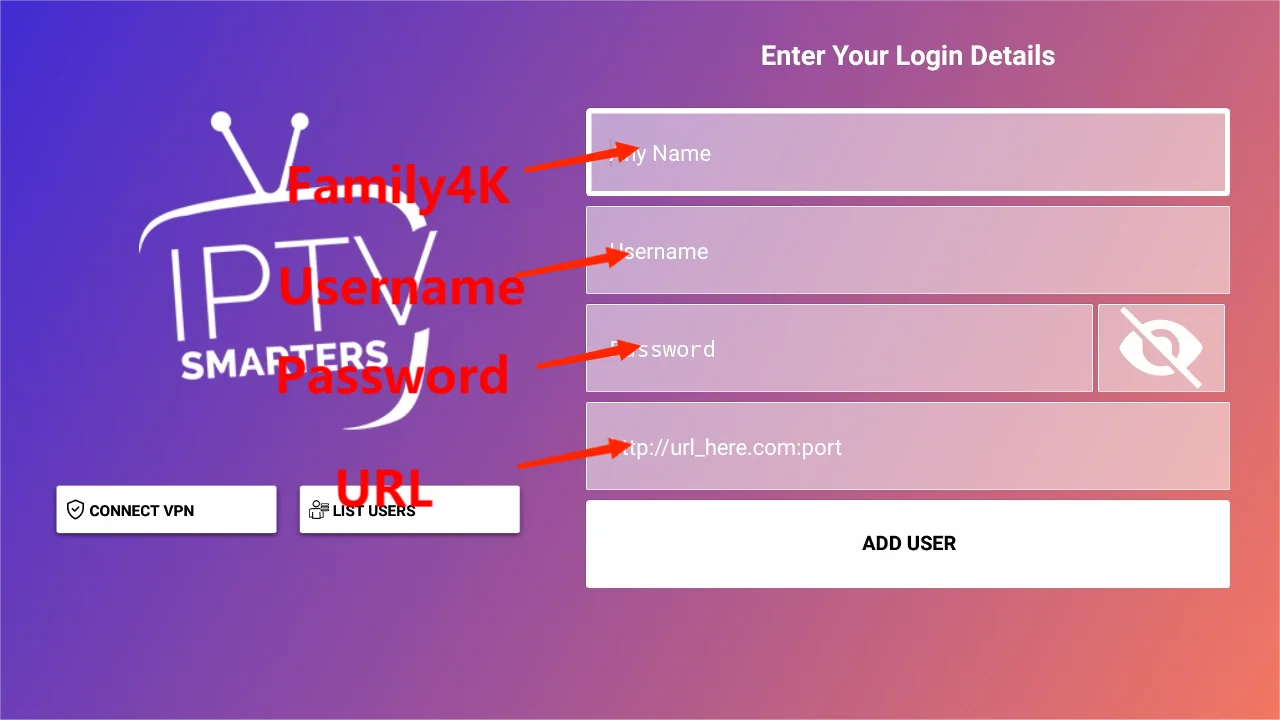
  2. Once installed, simply enter your usernamepassword and URL to enjoy watching the latest videos (movies and series) on all channels updated weekly.

You can read the ultimate guide to installing and using IPTV Smarters Pro here.

IOS (Apple TV / iPhone / iPad)

IPTV set-top box with remote control on colorful geometric background for 4K IPTV setup guide 2026
IPTV Smarters Pro

Download IPTV Smarters Player from AppStore

Log in the Application with your subscription details i.e., Username, Password, Portal URL.

You can now enjoy our IPTV listings.

NET IPTV app logo — black background with white text and red arrow icon for Samsung and LG Smart TV IPTV 2026
GSE Smart IPTV

Download GSE Smart IPTV Player from AppStore

  1. Access the application and click “Accept” the EULA rule.
  2. Click on “Settings” in the upper left corner.
  3. Find and click on the “Xtream Codes API” menu.
  4. Click the “+” button to add your subscription details i.e., Portal URLUsernamePassword.

Wait for all channels to load (may take a while) Select a channel and enjoy the program.

Amazon Fire TV / Stick / Cube

IPTV set-top box with remote control on colorful geometric background for 4K IPTV setup guide 2026
IPTV Smarters Pro Family4K login screen showing username, password, and URL entry fields for Xtream Codes setup 2026


The friendly and simple GUI is the most important point in IPTV Smarters, you can install it quickly and enjoy the best IPTV service.

How it works?

  1. Open the Downloader app on your firestick.
  2. Enter the following path in the URL text box: https://www.iptvsmarters.com/smarters.apk
    Click OK.
  3. Once installed, simply enter your usernamepassword and URL to enjoy watching the latest videos (movies and series) on all channels updated weekly.

Personal Computers (Windows / MAC OS X)

IPTV set-top box with remote control on colorful geometric background for 4K IPTV setup guide 2026
IPTV Smarters Pro Family4K login screen showing username, password, and URL entry fields for Xtream Codes setup 2026

To use IPTV on your PC, I recommend using an IPTV player such as IPTV Smarters Pro.

How it works?

  1. For Windows: Download .exe And Install the Application IPTV Smarters Pro

    For Mac: Download .dmg And Install the Application IPTV Smarters Pro

  2. Log in the Application with your IPTV subscription details i.e., Username, Password, Portal URL.
  3. Enjoy high quality IPTV streaming programs.

Nvidia Shield TV / Cube

IPTV set-top box with remote control on colorful geometric background for 4K IPTV setup guide 2026
IPTV Smarters Pro Family4K login screen showing username, password, and URL entry fields for Xtream Codes setup 2026

The friendly and simple GUI is the most important point in IPTV Smarters, you can install it quickly and enjoy the best IPTV service.

How it works?

  1. Open the Downloader app on your Nvidia Shield TV / Cube.
  2. Enter the following path in the URL text box: https://www.iptvsmarters.com/smarters.apk
    Click OK.
  3. Once installed, simply enter your usernamepassword and URL to enjoy watching the latest videos (movies and series) on all channels updated weekly.

Formuler Z7/Z8 Box

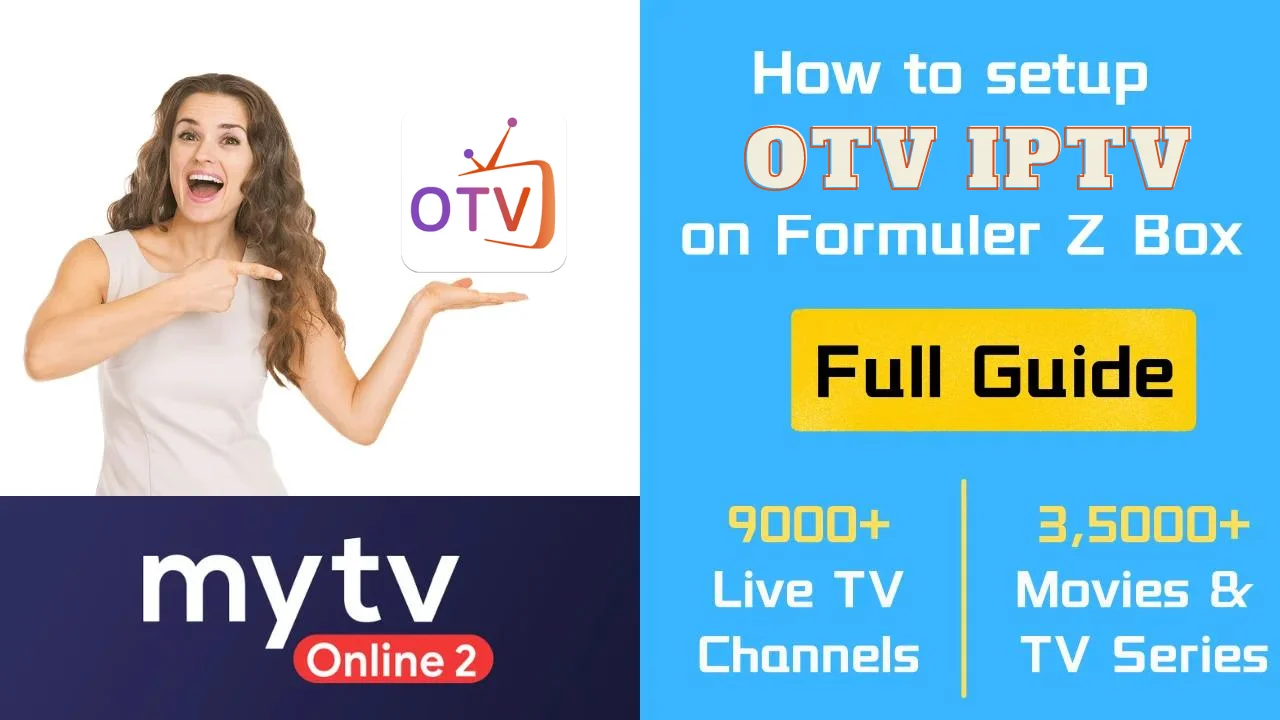
setup guide for Formuler Z Box showing 9000+ live channels and 35000+ movies and TV series in 2026

Formuler Z8 is an Android TV box that streams IPTV through its MyTV Online 2 App.

How it works?

With MyTVOnline 2 to connect to our IPTV service, you have two options: Xtreme Codes API or m3u (URL) playlist.

XC: Xtreme Codes API

  1. Go to MYTVOnline 2 > Menu > Connections > Add Portal.
  2. Simply enter your usernamepassword and URL to enjoy watching the latest videos (movies and series) on all channels updated weekly.

M3U: M3U Playlist

  1. Go to MYTVOnline 2 > Menu > Connections > Playlists.
  2. Add Play List, and press connect.

Wait for all channels to load (may take a while) Select a channel and enjoy the program.

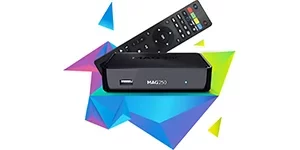
MAG250 IPTV set-top box with remote control on colorful geometric background for 4K IPTV setup guide 2026

MAG "All Models"

Connect the MAG DEVICE to the TV and the Internet. Then do the following.

  1. Navigate to: Settings->System Settings->Server->Portals
  2. Setup Portal 1 and please enter the link you received in your order completion email which looks like: http://example.link/c/
  3. Then Reboot Portal.
  4. After uploading, Reboot device.
  5. Wait until the TV Screen shows Channel

Press “1” button and “OK” to confirm on the remote controller if the channel lists are empty.

Note: If your portal doesn’t load then the playlist might be too big for your box to process.
Please contact us and advise which countries to do you need, and we will remove the rest to reduce playlist size.

How to set up OTV IPTV with Kodi?

1. Download Kodi onto any device that is compatible with it.

1. Open Kodi Select TV by clicking on the TV icon in the left pane.

3. Select Add-on-Browser.

4. Now, choose IPTV Simple Client from the list.

5. Navigate to Configure > General.

6. Set the location of the m3u list to the remote path if you have a URL.

7. Click on the M3U Playlist URL.

8. Type in the URL you received in your email.

9. Click OK and then click Enable.

10. Kodi will automatically regain access to the channels once you restart it.

How to watch OTV IPTV on VLC Player?

OTV IPTV can be accessed on PC by using VLC Media Player.

1. Download VLC Media Player and install it on your Windows PC or Mac.

2. Open VideoLAN Media Player.

3. Select Media > Open Network Stream on PC or File > Open Network.

4. When you activate your account, you will receive an M3U URL. Please paste the URL in the provided field.

5. You are now able to view the content you want regardless of the errors.

Following this IPTV setup guide should have you up and running in minutes. If you have questions about your IPTV installation, contact our support team.